Ask a partner how the firm is doing, and you'll usually get an answer based on a feel for the numbers. Busy, so probably fine. Quiet, so perhaps a worry. Ask the same partner which clients make the firm money and which ones quietly cost it, and the room goes rather silent.
That silence is common, and it isn't down to carelessness. Most firms record time in one place, track jobs in another and raise invoices in a third. Each system works perfectly well in isolation. Nothing connects them, so nobody sees the full picture until the year-end accounts arrive, and by then it's far too late to do anything about it.
This piece is about closing that gap.
The client who is always "no trouble"
Every practice has one. A long-standing client, pleasant on the phone, pays on time, never complains. The fee hasn't moved in six years.
Meanwhile, the work has crept. What began as a set of accounts and a tax return now includes payroll queries, a VAT problem from two years ago, a handful of "quick questions" by email and an annual meeting that runs over. Nobody planned to give any of it away. It just accumulated, ten minutes at a time.
You can't see this from a bank statement. You can only see it if you can compare the time spent on that client's work with what you billed them, without wasting an afternoon on spreadsheet work. Firms that can do that tend to make better judgments. Making decisions based on evidence, as opposed to a gut feeling, means you can accurately analyse, reappraise the scope of work, reprice, and occasionally even part company with a client.
Why spreadsheets stop working
Nearly every firm starts with a spreadsheet, and there's nothing wrong with that. A spreadsheet is flexible, and it's free. However, the trouble begins with around ten or fifteen staff! That is where one spreadsheet can become several, each maintained by a different person, and each slightly out of date.
Then the familiar problems arrive. Two people update the same file and one set of changes vanishes. A deadline lives only in someone's head, and that someone is on holiday. A junior can't tell whether a job is waiting on the client or waiting on you. The partner asks for a status update, and it takes an hour to piece one together from three sources.
None of this is dramatic. It's just friction, day after day, and it adds up to a real cost in hours that could have been billed or spent advising clients.
Three things that need to talk to each other
If you strip practice management back to its essentials, it comes down to whether three things are joined up: the work, the time and the money.
The work. Who is doing what, for which client, by when. Task management sounds dull until you've lost a filing deadline because the job sat in someone's inbox. Good visibility means a practice manager can see the whole workload at a glance, spot who is overloaded and move things around before something slips.
The time. Recording time is a habit most accountants have a complicated relationship with. It feels like admin, and it often gets done on Friday afternoon from memory. The answer is to make it quick and worth doing. When staff can see that the numbers feed straight into billing and into decisions about the firm, the habit tends to improve.
The money. Invoicing is where the first two either pay off or don't. If time recorded never reaches an invoice without someone re-keying it, you'll lose some of it along the way. Billing that uses time and work that is logged already is faster and more accurate too.
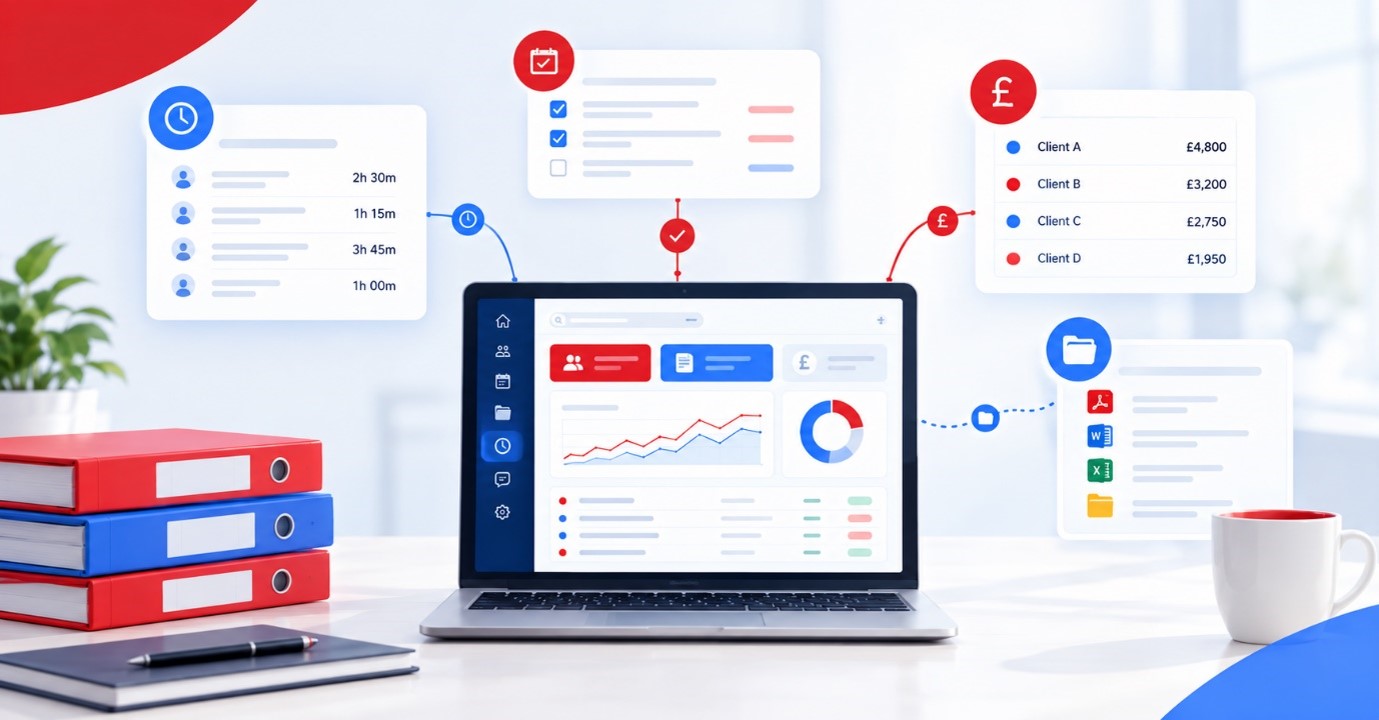
Docusoft Practice Manager was built around these three areas. It brings client information, task management, time recording, event scheduling and billing into a single system. The information is entered once and used wherever needed. It can also connect to other apps such as Sage, Xero or QuickBooks. You can generate invoices in these apps and pull in existing client account information.
What changes when it's all in one place
The practical difference shows up in small, ordinary moments. A partner preparing for a client meeting opens the client record and sees the contact details, open jobs, time accrued to date and what has been billed, without asking anyone. A practice manager planning next month looks at the diary and the task list together instead of cross-checking two documents. A staff member finishing a job records the time once and is done. Billing day stops being a scramble to collect everyone's numbers.
None of that is glamorous. But it hands hours back to people whose time is better spent with clients, and it gives the firm something spreadsheets rarely manage: a reliable, current view of how the business is really performing.
Documents belong in the picture too!
Practice management and cloud-based document management are often bought separately and then spend years failing to talk to each other. That's a shame, because most of the work in a practice is documents. Engagement letters, workings, correspondence, signed returns, all attached to a client and to a job.
When the practice management side and the document side are connected, someone looking at a job can get to the paperwork behind it without switching systems or hunting through folders. It also helps with the client experience, since a secure portal lets documents move both ways without relying on email attachments. If you already use Docusoft for document management, extending into practice management is a natural step, because the two are designed to sit together.
Getting the habit right
Software doesn't fix a firm on its own. The firms that get real value from practice management tend to do a few unglamorous things well.
They decide what a good client record looks like and stick to it. They agree how time is recorded and by when, then have partners follow the same rules as everybody else. They can review the numbers regularly, monthly at the very least, rather than once a year. And they treat what the data shows as a conversation starter rather than a stick to beat people with.
That last point matters. If staff think time recording exists to catch them out, they'll record it badly. If they see it leads to fairer workloads, better pricing and fewer weekend emergencies, they generally come round.
A modest place to start
You don't need to overhaul everything at once. If you're weighing this up, pick one problem that genuinely bothers you. It might be not knowing which clients are profitable. It might be chasing timesheets. It might be the fortnightly panic over billing. Ask yourself: does the way you work now fix it, or if not, what would?
Then ask any supplier to show you that specific thing, using something like your real data. You'll learn more from twenty minutes of that than from any brochure.
Frequently asked questions
What is practice management software for accountants?
It's a system that helps a firm run its day-to-day operations: client records, tasks and deadlines, time recording, scheduling and billing. Some products also cover document management or client communication. The aim is to give the whole firm one shared, up-to-date view of the work rather than several disconnected ones.
How is it different from accounting software?
Accounting software, such as Xero, handles your clients' books or your own financial records. Practice management software handles how your firm runs: who's doing what work, how long it takes and how it gets billed. The two work best together, which is why integration matters.
Does Docusoft Practice work with Xero?
Yes. You can generate invoices and fetch existing client account information through the integration. You'll need to buy a Xero licence directly from Xero and link your account to Docusoft Practice.
Is it cloud-based, and what do we need to run it?
It's a cloud system, so a reliable internet connection matters. A speed of 25 Mbps or higher is recommended.
Will my team actually record their time?
They're far more likely to if it's quick, the process is consistent, and they can see how the data is used. Leadership habits matter here. If partners record time properly, everyone else tends to follow.
Can we use it alongside a document management system?
That's the idea. Connecting practice management with document management means documents, client records and jobs sit together, instead of in separate places that don't speak to each other.
How do we start without disrupting the firm?
Begin with one clear problem rather than a full rollout. Get that working, let people see the benefit, then widen the scope. A phased approach is less stressful and usually more successful.
Who should own the project internally?
Someone with both the time and the authority to make decisions, often a practice manager or an operations-minded partner. Projects with no clear owner tend to drift.